Business Systems / Practical guide
Building a business back office: records, roles and workflows
A practical way to scope CRM, admin platforms and internal tools without starting from a dashboard full of unowned numbers.
What is a business back office?
A business back office is the operational software used to manage the work behind customer-facing services. It can include customers, bookings, stock, orders, permissions and reporting. Its value comes from making the next action and the authoritative record clear.
Start with a transaction, not a chart
Choose one workflow, such as a new enquiry becoming an assigned follow-up. List the record created, the person responsible and the condition that moves it to the next stage. A chart becomes useful once the underlying states have agreed meanings.
Make an ownership map
For each record type, identify its source of truth, permitted editors and connected systems. A spreadsheet may remain authoritative during an initial phase; the important point is that two systems should not silently compete to own the same field.
| Record | Owner decision | Exception to plan |
|---|---|---|
| Customer | Which system assigns the customer ID? | Duplicate contact details |
| Booking | Where is availability committed? | Conflicting appointment |
| Stock | Who records each movement? | Manual correction |
| Payment | Which provider confirms settlement? | Pending or failed payment |
Design roles around actions
A receptionist might create appointments without changing prices. A manager might approve refunds without granting user access. Define permissions per action and per record where necessary. Server-side checks must enforce those decisions even when someone changes a URL or request payload.
An internal interface should not become an exception to validation. Clear errors and appropriate recovery paths matter when staff use the system repeatedly under time pressure.
Treat exceptions as ordinary work
Build a visible queue for records that need attention: incomplete enquiries, failed integrations or orders awaiting reconciliation. Define who watches the queue and what closes an item. Silent failures create an unofficial second workflow outside the system.
Define reporting before drawing the dashboard
A conversion rate needs a denominator and a time window. A completed booking needs a status definition. A revenue report needs a decision about taxes, refunds and settlement. Document these definitions next to the report rather than relying on assumptions.
Release one complete operational slice
Deliver a workflow that staff can run end to end, with permissions, migration checks and recovery instructions. Then extend it. This usually produces better feedback than releasing a broad collection of half-connected screens.
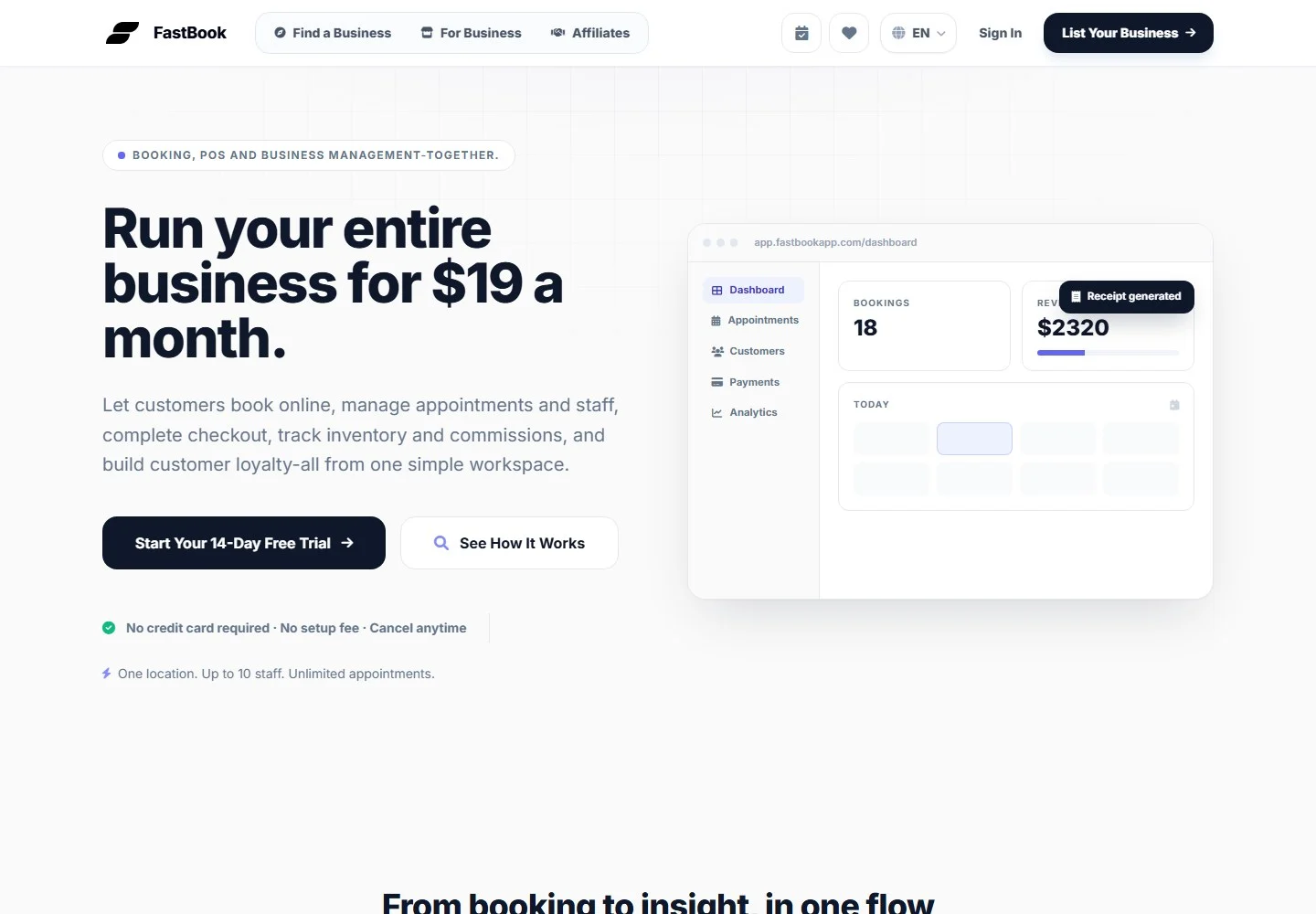
The URVEON Digital Stack connects this back office to the experience and transaction layers. FastBook is a portfolio example spanning booking, customers, checkout and inventory; private technical details should be documented only when verified.