Real Estate / Practical guide
Real estate digital platforms: content, enquiries and operations
Plan a property platform around the buyer’s decision and the team’s follow-up workflow, before adding immersive effects.
What should a property platform do?
A property platform should help a visitor understand an opportunity, compare relevant options and take a clear next step. It should also give the property team enough context to respond. A development website and a broad listing marketplace need different content models.
Choose the information model
Separate development, building, unit type and individual property where those concepts matter. A floor plan may describe a unit type while availability belongs to an individual unit. Mixing them makes updates difficult and can create misleading customer messages.
Design around the buyer’s questions
A useful journey moves from location and context to layout, specifications, supporting imagery and enquiry. Filters should reflect meaningful differences in the actual inventory. Do not add a filter merely because another property website has one.
- Where is the property and what surrounds it?
- Which layout and unit options are relevant?
- Which specifications are confirmed?
- What does the enquiry commit the visitor to?
Carry context into the back office
Include the property reference and useful preferences with the enquiry. Assign an owner and a next action. A CRM connection needs field mapping, duplicate handling and an agreed record owner. Do not lose the property reference when a lead moves from the website to email.
When is 3D useful?
Spatial interaction is useful when it reveals information that photographs and floor plans cannot explain as well. Prototype the interaction before commissioning a full asset set. Keep specifications, enquiry links and a static fallback available to visitors who cannot or prefer not to use the scene.
Learn from the public examples
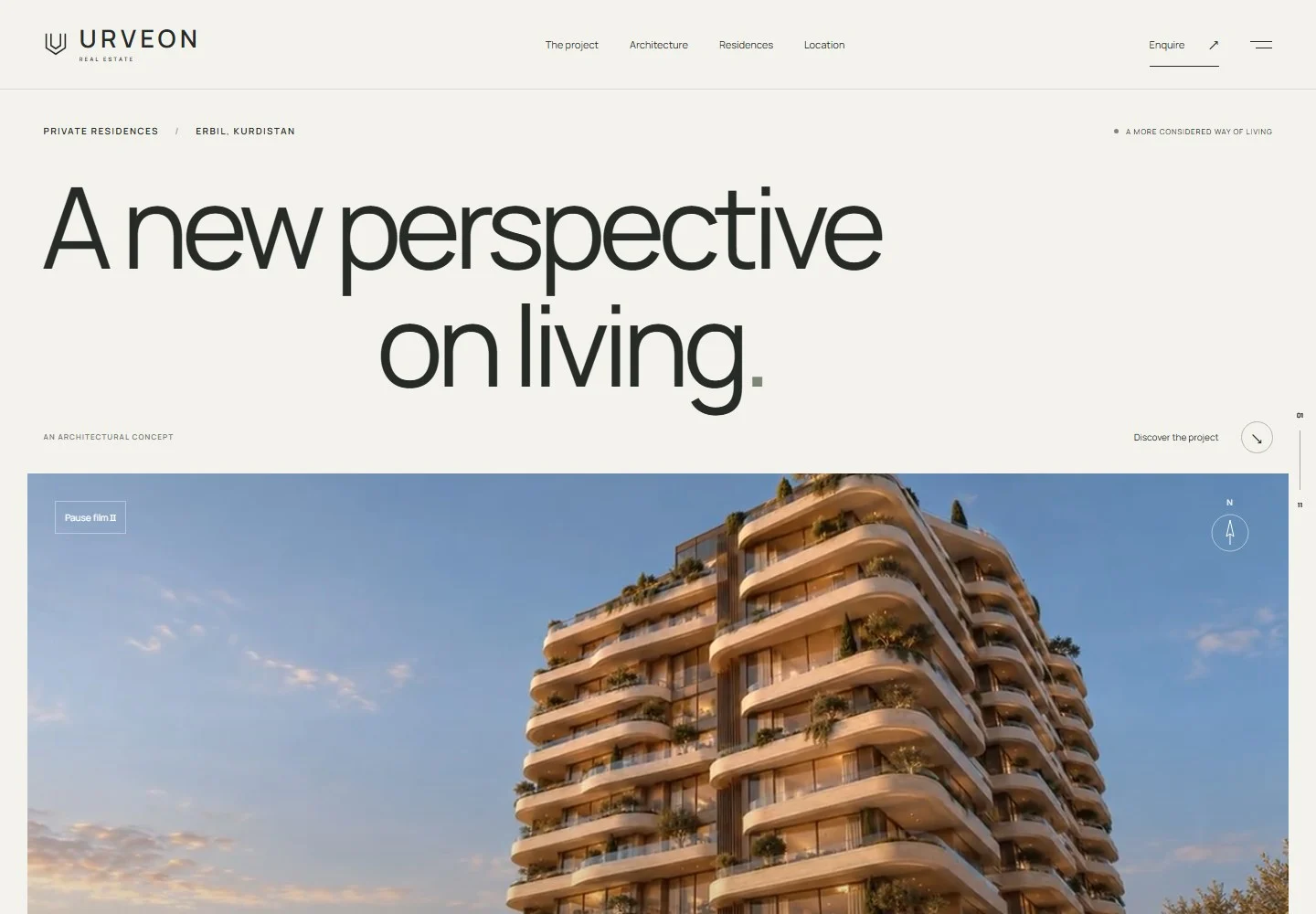
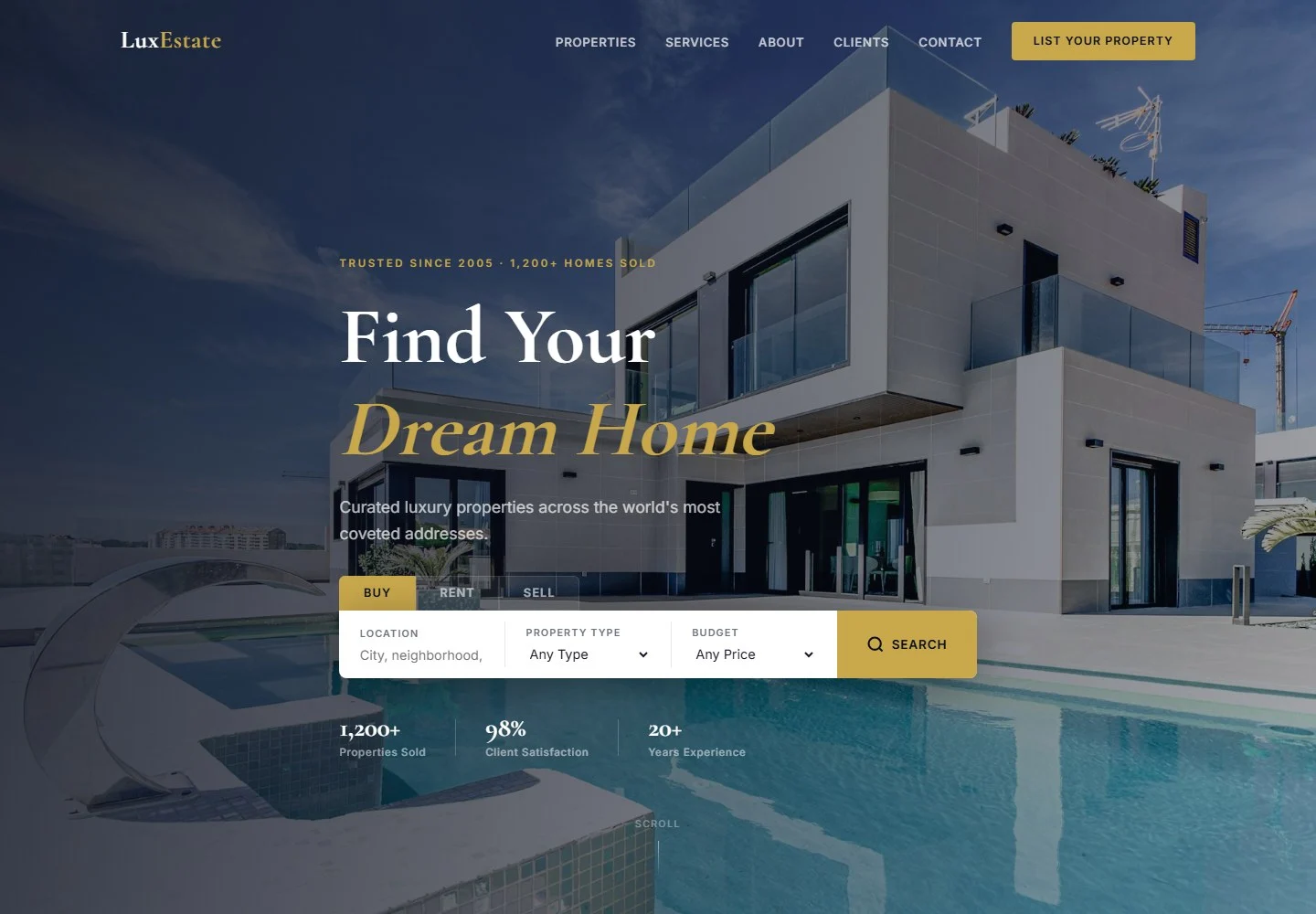
URVEON Residences emphasizes architectural presentation, materials and enquiries. LuxEstate emphasizes search, listings and agent services. These illustrate two customer journeys. Their public pages do not prove a private listing feed, CRM integration or a specific sales result.
Build a realistic brief
Bring reviewed property information, image rights, floor plans, listing ownership and language requirements. Identify which information changes often and who approves it. Define whether viewings are requested or instantly scheduled. These decisions shape both interface and backend scope.