
Experiences
Interactive web experiences with purpose and restraint.
Spatial interfaces, product exploration and motion systems that explain a product or place while preserving a usable website underneath.
Discuss your projectChoose the interaction that helps a decision
A property explorer can explain the relationship between floors, units and views. A product viewer can expose a detail that flat images miss. These are different needs from a decorative scene, and each needs a clear success criterion.
Build the useful fallback first
Key specifications, availability information and enquiry links remain in HTML. A static image and accessible controls provide a baseline experience while heavier assets load or when motion is reduced.
Budget the scene before production
We agree target devices, asset complexity, compression, loading behavior and interaction controls before making 3D assets. A mobile visitor should not have to download a desktop-sized scene to read basic project information.
Prototype before committing to full production
A prototype tests navigation, touch behavior, camera constraints and the value of the interaction. We separate prototype and production scope so uncertainty is resolved before expensive asset work.
Public project evidence
Relevant work.
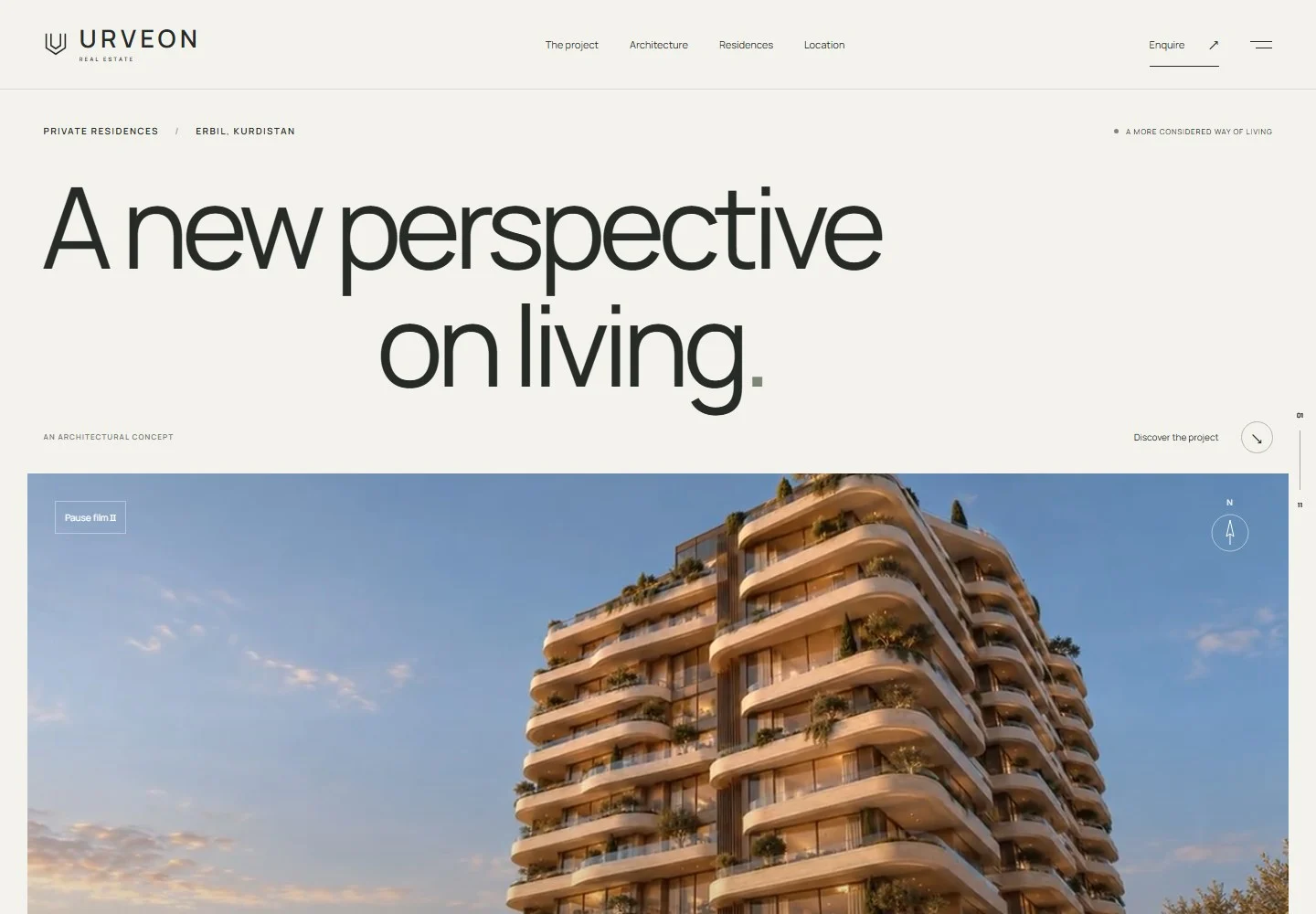 Real Estate Website
URVEON Residences
An architectural property website showcasing residences, materials and location through an immersive visual journey.
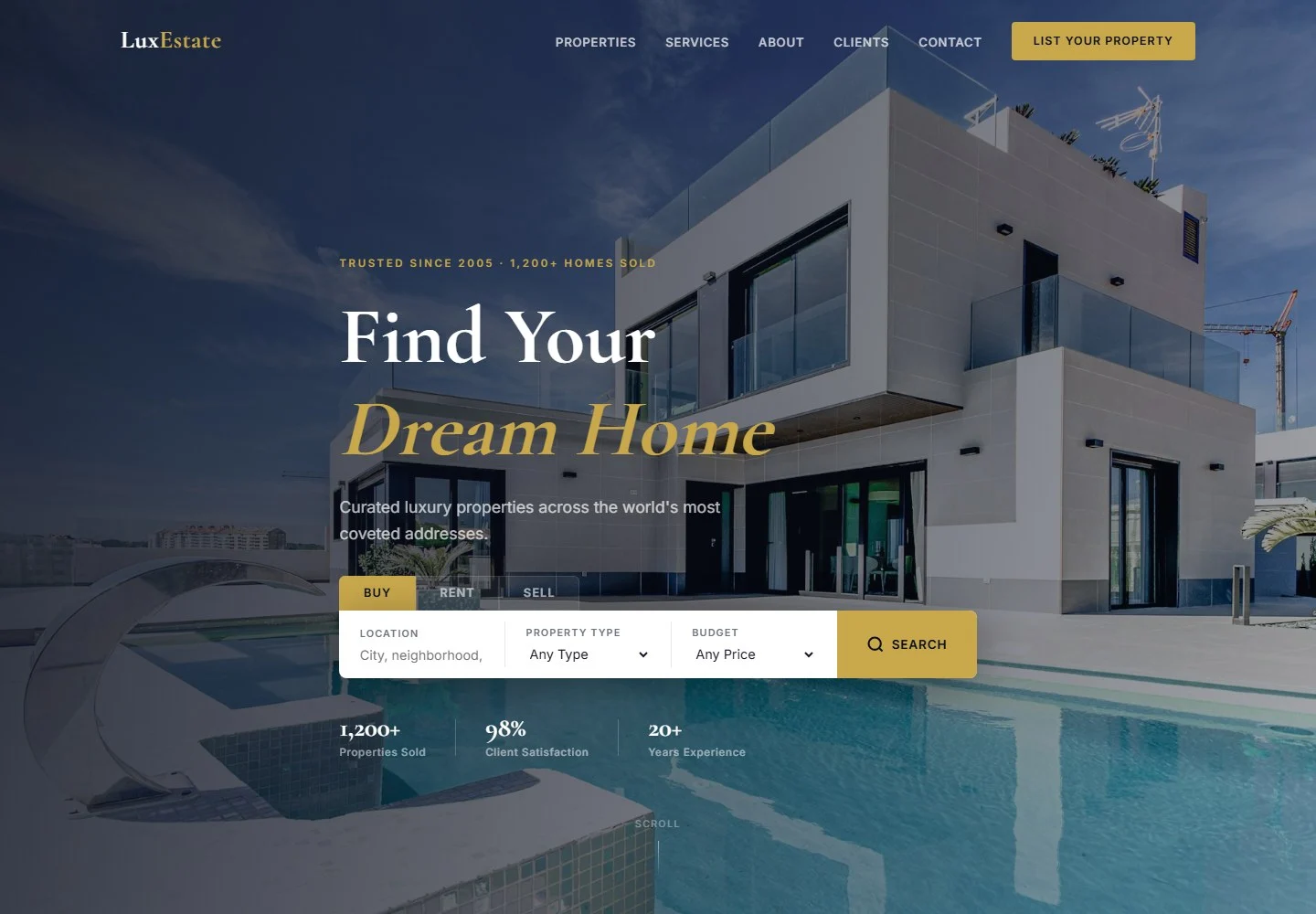 Real Estate Website
LuxEstate
A real estate website presenting property search, featured listings and agent services for buyers, renters and sellers.
Questions, answered
Before we build.
Does an interactive property website need WebGL?
No. Many projects are better served by strong photography, a clear unit selector and useful floor plans. WebGL is appropriate when spatial interaction adds information.
Will it work on mobile?
Mobile performance and touch controls are planned from the start. The final approach depends on the asset budget, target devices and fallback requirements.